



SpinSahara App for Android, iOS and Desktop
Most sessions today start on a phone, and the SpinSahara app was built for exactly that moment. The SpinSahara application puts our casino behind a single icon on the home screen, so a free five minutes turns into a game without a browser, a search bar or a saved link in between.
Setup takes about a minute in the browser, and the result works on Android and iOS alike. After that the platform opens as quickly as any other program on the device.


Why Members Choose the App
A phone session at SpinSahara Casino starts from a different point than a desktop one. There is no browser to open first, no tab to find among a dozen others, and no address bar taking a strip of the screen away from the reels.
| On a phone | Through the icon | Through a mobile browser |
|---|---|---|
| Starting a game | One tap from the home screen | Browser, then the site, then the game |
| Screen area for the reels | The whole display | Address bar and browser controls stay on top |
| Coming back after a call | The app reopens on the same page | The tab is searched among other pages |
| Portrait play | Buttons enlarge for the thumb | Zoom often has to be adjusted by hand |
| Storage used | About a megabyte of cache | Nothing saved, so every start loads again |
Everything else carries over without changes. The catalog keeps its 6,000+ slot games and live tables, and promotions activate from the same buttons. The payment section works with the same limits. Free spins from an active offer open on a phone exactly as they do on a computer.
How the Lobby Looks on a Small Screen
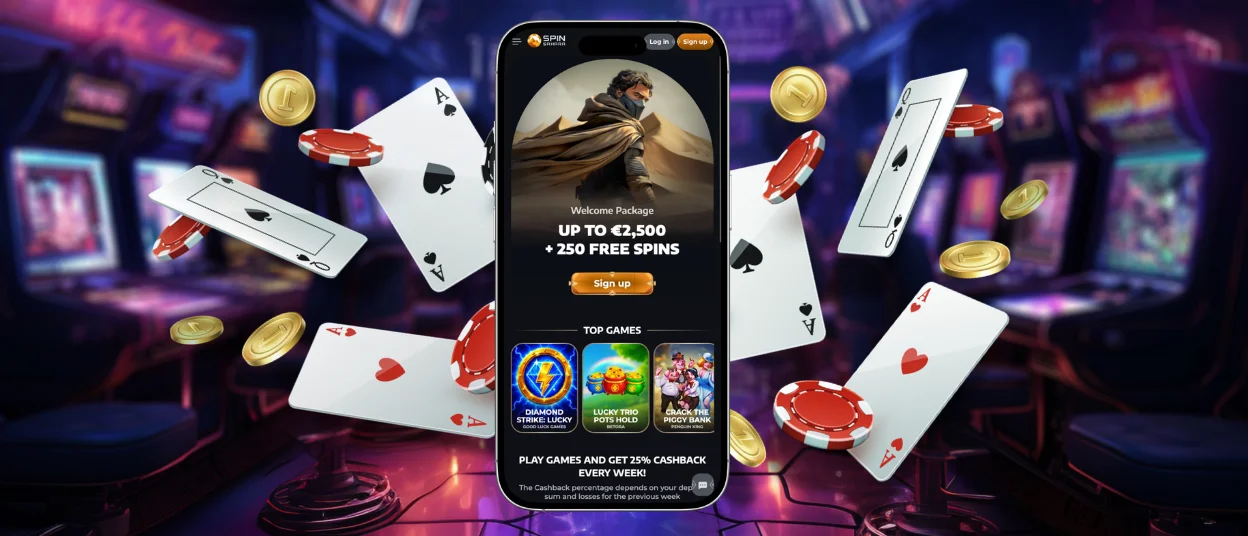
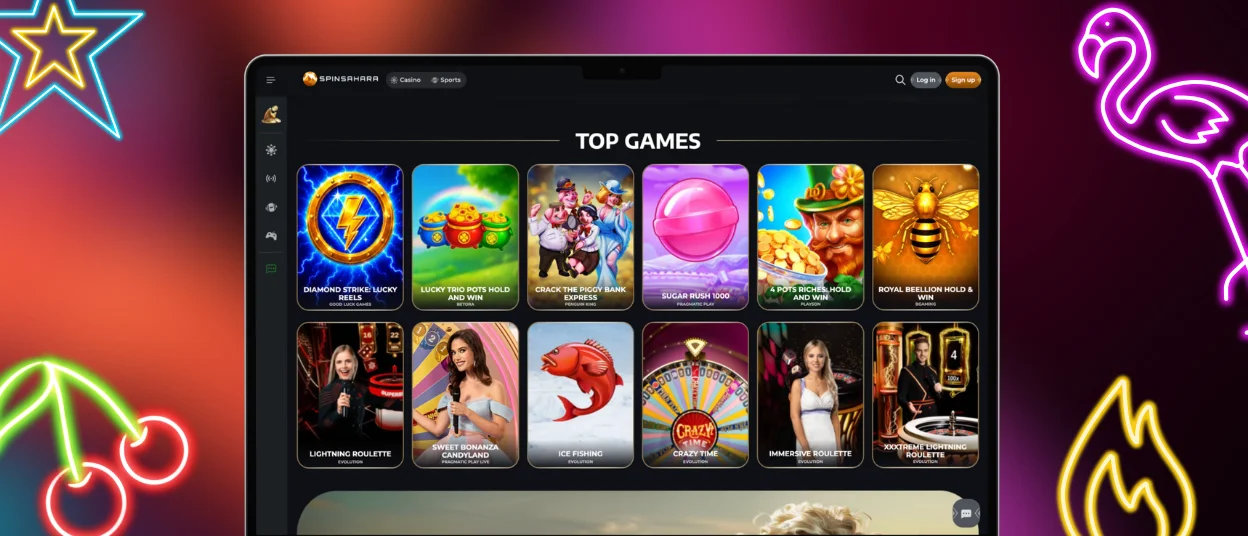
In the SpinSahara app, the categories fold into one menu button. Casino and Sports stay on the top line, so switching between the reels and the match list takes a single tap. Search works by title and by studio across the online slots and tables of Spin Sahara Casino.
Favorites keep the games you return to, and the balance with the deposit button stays visible while you scroll. Two taps are enough to reach any section, which is why the gaming experience feels familiar from the first minute on a phone.
What a PWA Actually Is
The format behind the icon is called a progressive web application. The browser saves the website of SpinSahara Casino as a shortcut, and from that moment the icon starts the platform in its own window with an entry in the list of recent apps.
A background script keeps the interface graphics on the device, which shortens loading at every later launch. The same script requests the current build of the platform each time the icon opens, so a new release reaches the phone the day it enters the catalog.
We publish no installation files, and our website stays the only source of the Spin Sahara app on every system.
Installation on Android
Chrome handles the setup of the SpinSahara app on Android, and other Chromium browsers keep the command in the same place. The whole process takes five short steps:
- Open the SpinSahara website in the browser.
- Tap the three-dot menu next to the address bar.
- Choose Add to home screen.
- Confirm the action.
- Move the new icon from the app drawer to any place you like.
No system permissions are requested along the way. There is no need for any manual update. Android also allows the icon to be renamed or moved across screens like any other application.
SpinSahara APK
Android users often look for an installation file first, and our answer differs. The SpinSahara application created from the browser already gives the functionality of a native program, so an APK package brings nothing on top of it.
That approach also protects the account. Files offered elsewhere under our name have no connection to the platform, and anything downloaded from a third-party source stays outside our security standards.
Installation on iPhone and iPad
Apple devices keep the SpinSahara Casino install option inside the sharing tools of Safari. The Share button opens a menu where Add to Home Screen waits for a short scroll down, and the final confirmation lets you rename the icon before it joins the other applications.
Safari runs the window on the WebKit engine, and every protection setting of the browser applies to it. The camera helps in one practical case: photographing documents for the verification process takes seconds, and the files upload straight from the profile of the SpinSahara app.
The Desktop Window
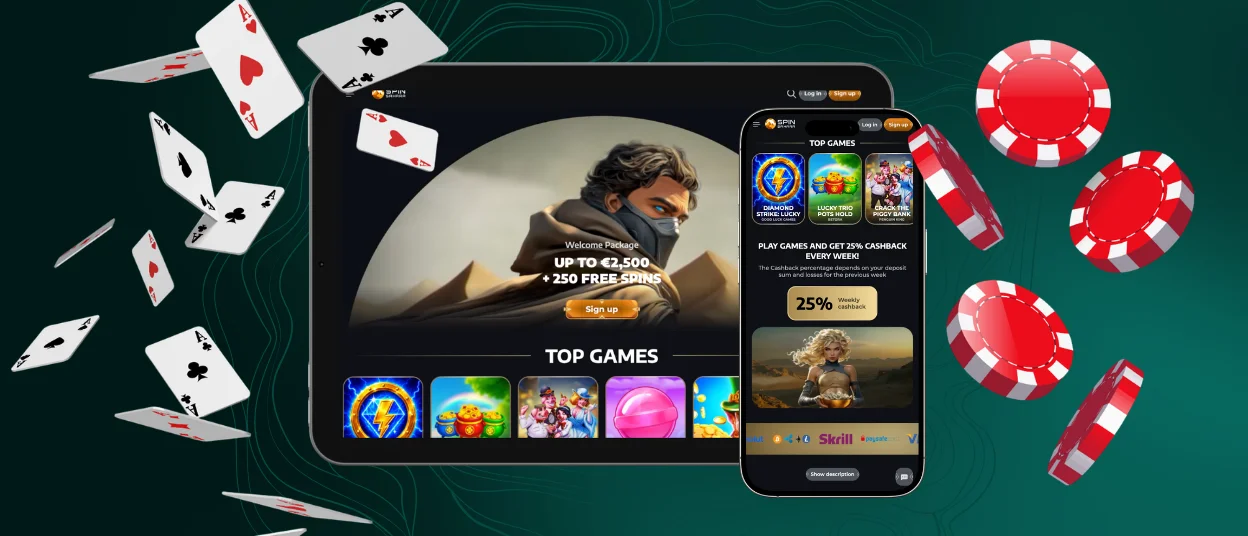
Computers reach the same SpinSahara window through slightly deeper menus. Chrome keeps the command under Cast, save and share. Create shortcut opens a naming dialog, and Edge places it under Apps as Install this site as an app. Safari on macOS adds the platform to the Dock through the File menu.
The Spin Sahara application on a large monitor keeps advantages of its own. Live dealer streams gain detail, sports statistics fit without scrolling, and several panels are open at once during a long session. Many members create the icon on both a phone and a computer, since one SpinSahara login covers all of them.
Device Requirements and Settings
Hardware from several years back handles the SpinSahara app without effort, and an updated browser matters more than a new processor. The rest comes down to a few settings that make a long session smoother.
| Point | Comfortable setup | Why it matters on a phone |
| Operating system | Android 8 and newer, iOS 13 and newer | Older versions still run the app, and a newer one loads games faster |
| Free storage | 100 MB and up | Most of it goes to the browser, not to the app |
| Connection | 5 Mbit for video tables, less for reels | Slots load from the cache, live casino games need a steady stream |
| Battery mode | Power saving off during live play | Saving modes cut the frame rate of a dealer stream |
| Browser version | Updated Chrome or Safari | Security patches and rendering improvements arrive together |
| Screen orientation | Portrait for slots, landscape for tables | The layout switches automatically with the phone |
Battery consumption stays close to ordinary browsing, and nothing from SpinSahara runs in the background between sessions. A tablet stretches a long evening further than a phone, which suits dealer tables particularly well.
Playing Safely From a Phone
A phone changes hands more often than a computer, and it connects to networks nobody controls. Spin Sahara accounts stay protected when two habits are in place. The first one is the lock screen. Face ID, a fingerprint or a simple PIN protects the saved session together with the rest of the device, and biometrics also unlock stored credentials without typing the password at every launch. The second habit concerns public networks: a deposit or a payout confirmation is worth making on mobile data or a home connection, not on an open hotspot in a cafe.
The icon itself carries no risk when it comes from our website. Sessions in the SpinSahara application run through TLS 1.3 encryption, the verification process ties the account to one identity, and the support team answers in live chat if an operation on the screen looks unfamiliar.
FAQ
Will the icon still work after I clear the browser cache?
Yes, the shortcut of the SpinSahara app stays on the home screen and the account remains untouched, since all data belongs to our servers. Only the saved graphics are removed, so the first launch after cleaning takes slightly longer while the cache rebuilds.
Can I place sports bets through the app?
The Sports tab opens inside the Spin Sahara app exactly as it does on a computer, and prematch markets share one balance with the games. The betslip keeps its quick bet switch, which is comfortable for live odds that change during a match.
Does the app take up much storage on an older phone?
No, the shortcut needs a fraction of what a downloaded program would take, and the games themselves run on our servers. That makes the Spin Sahara application a comfortable option for devices with limited free storage.


